
How do parents sign in?
The school sets up a family sign-in for each family, and parents sign in on their phone. Students can have a separate sign-in of their own.
Parents see fees, results, attendance and homework on their own phone, and message the school from one place.
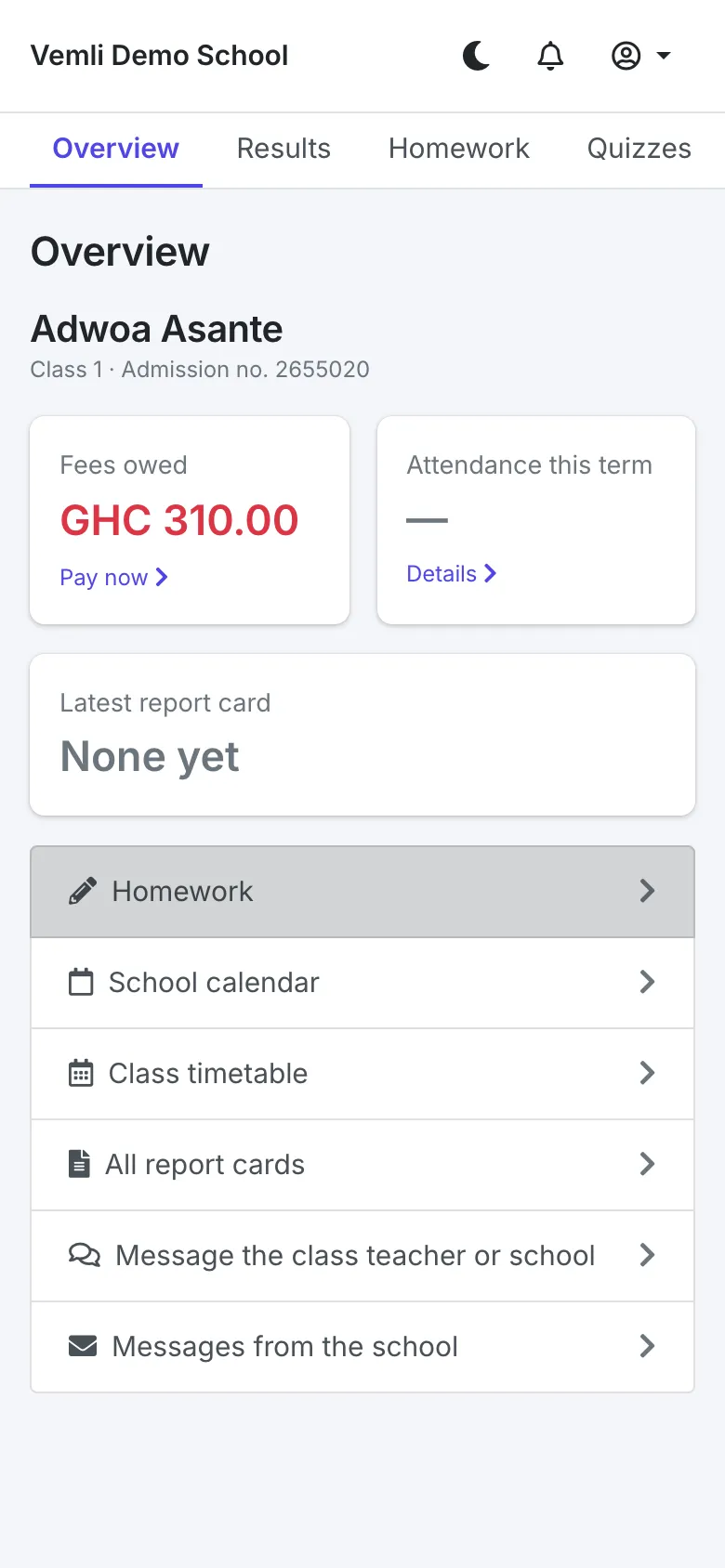
Parents sign in on their own phone and see how their child is doing, without waiting for a PTA meeting or calling the office.
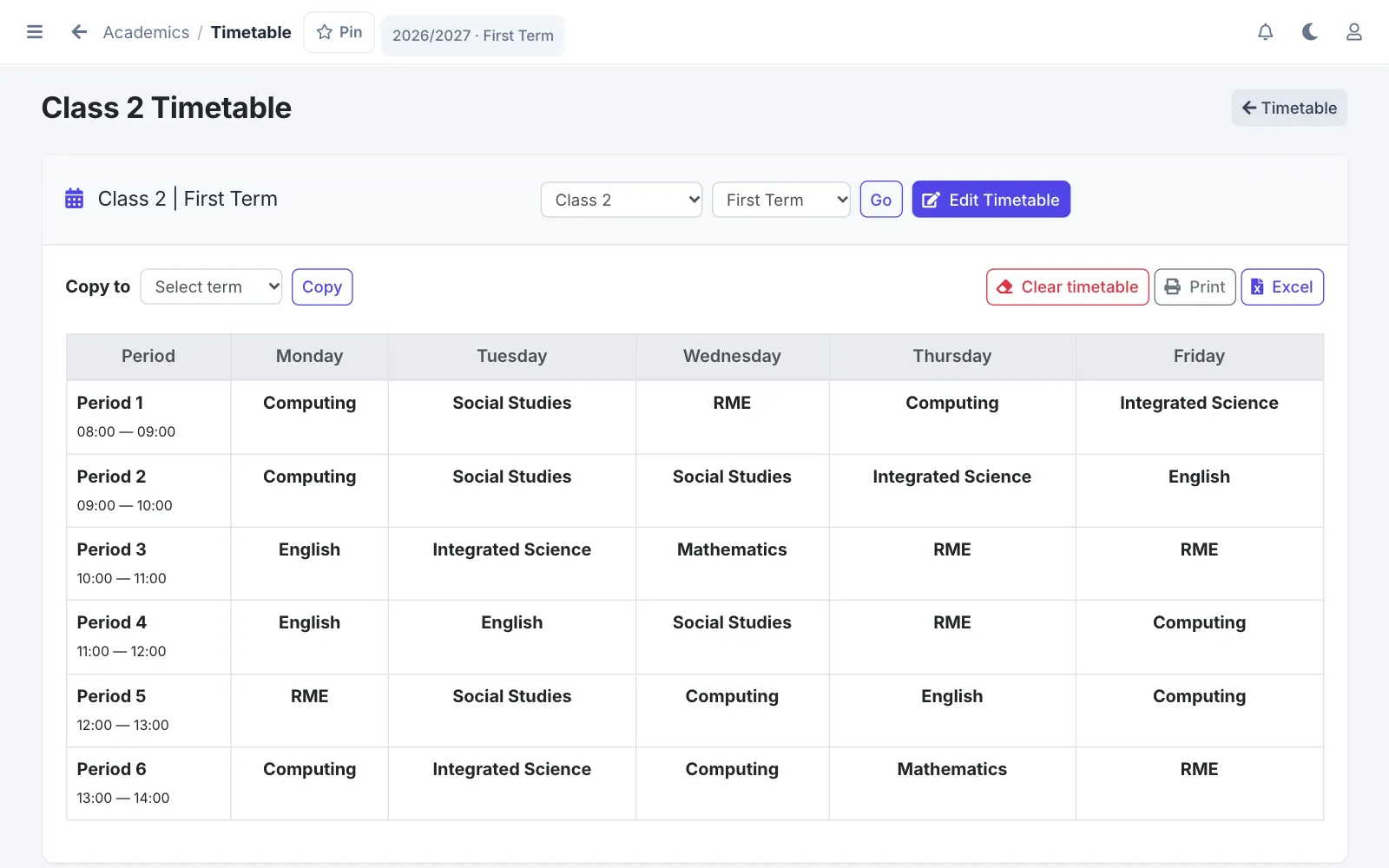
Parents see what they owe, their bills and every payment received. Once online payments are set up for your school, they can pay from the portal.
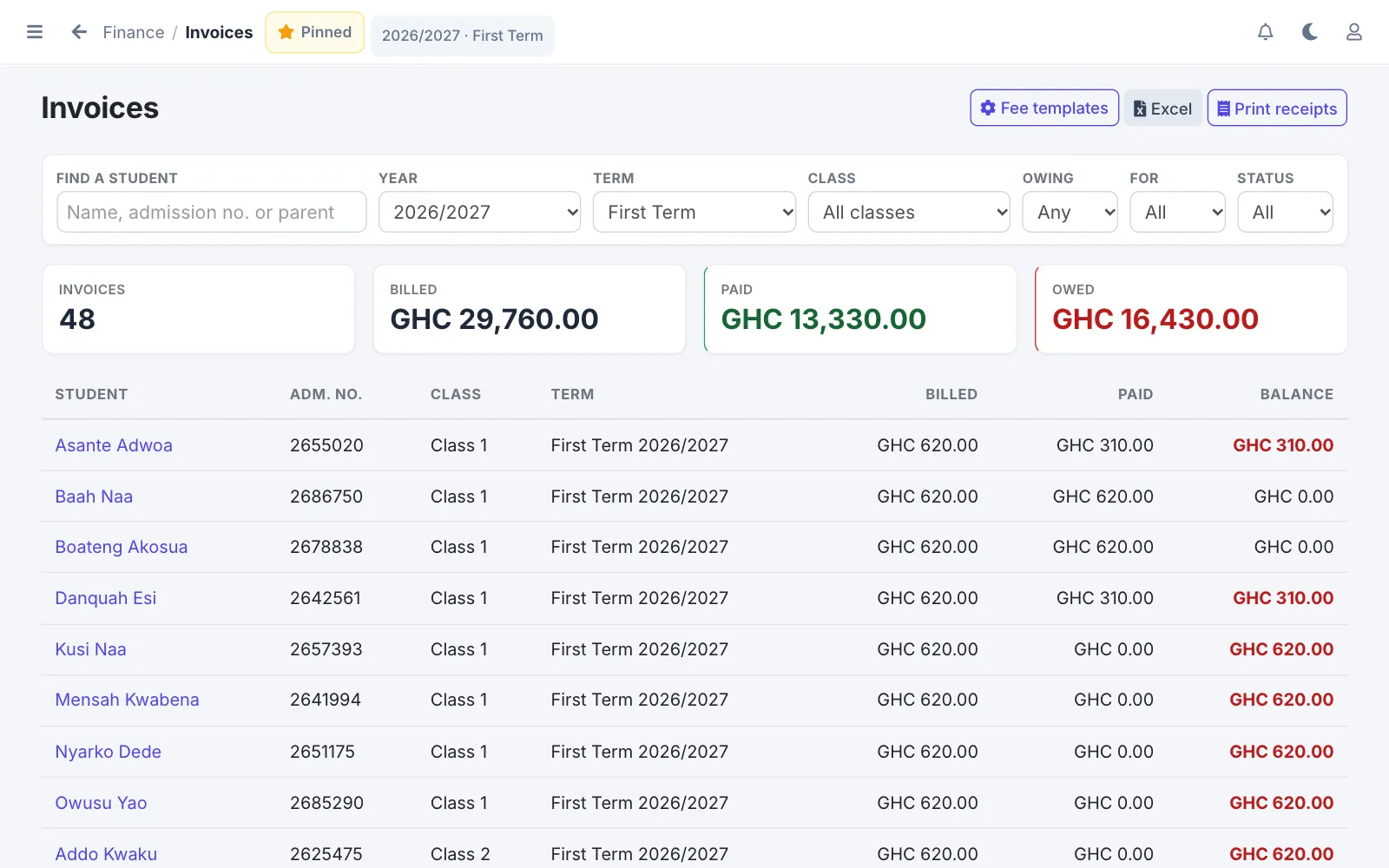
Parents can read notices and message the class teacher or the school from the portal, and students can have their own sign-in.
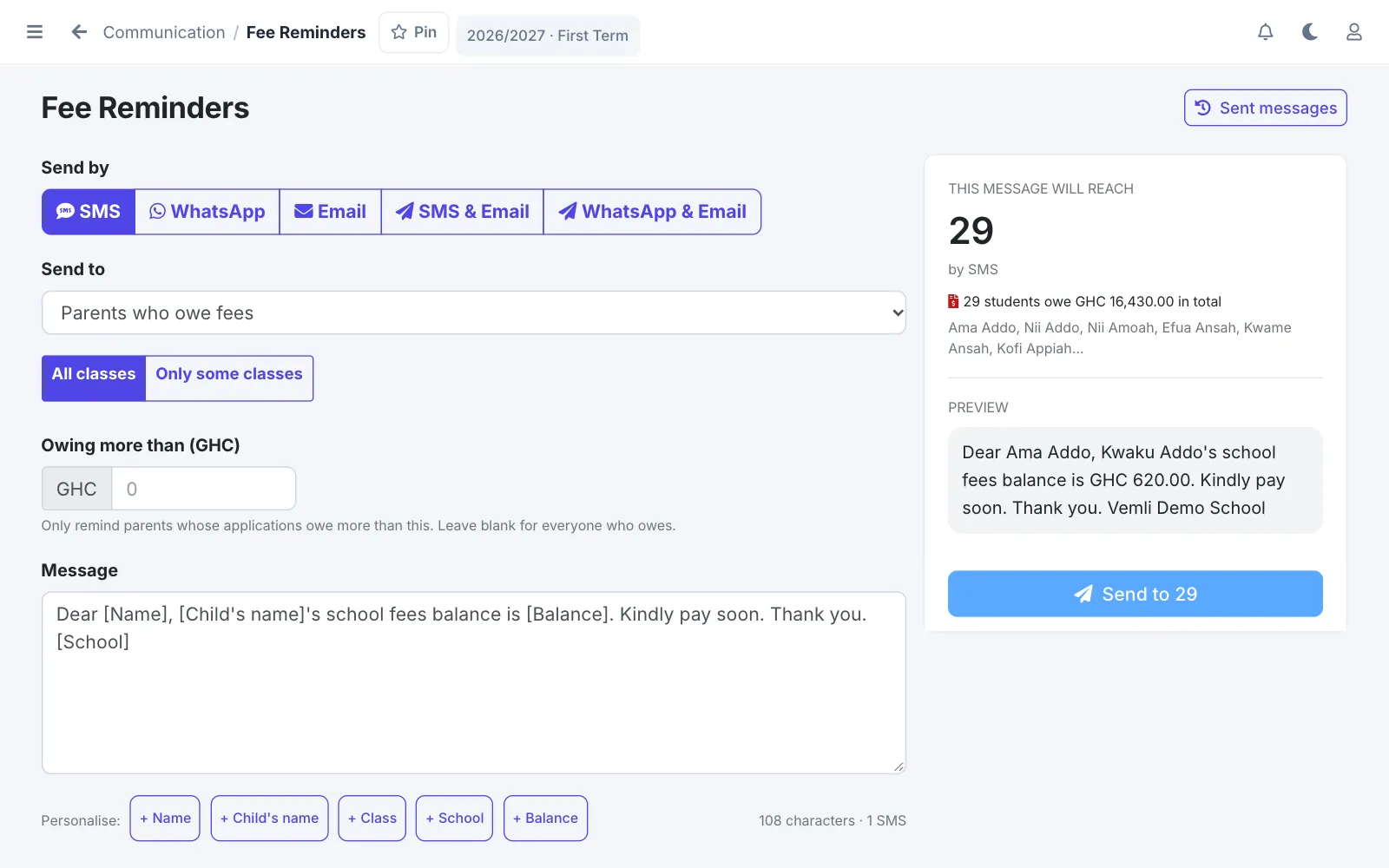
Students get their own sign-in with their admission number. They see their schoolwork, and at TVET institutes trainees also see and pay their own fees.
Bill every class, record payments and follow up on balances.
Fingerprint and face scan clock-ins, class registers and absence alerts.
Enter scores once and print terminal reports for the whole class.
Spot students who may fail, catch fee problems and save teachers hours.
Salaries, deductions and payslips for your staff.
Build, copy and print class timetables.
Year groups, programmes, course intakes and a portal for trainees.
Houses, rooms, beds, boarding fees and applications.
Question banks, timed tests and an exam room.
Medical records, sick bay visits and health reports.
Messages and reminders to parents and staff.
Tell us about your school and we'll show you what parents would see.